Your signature, always at hand
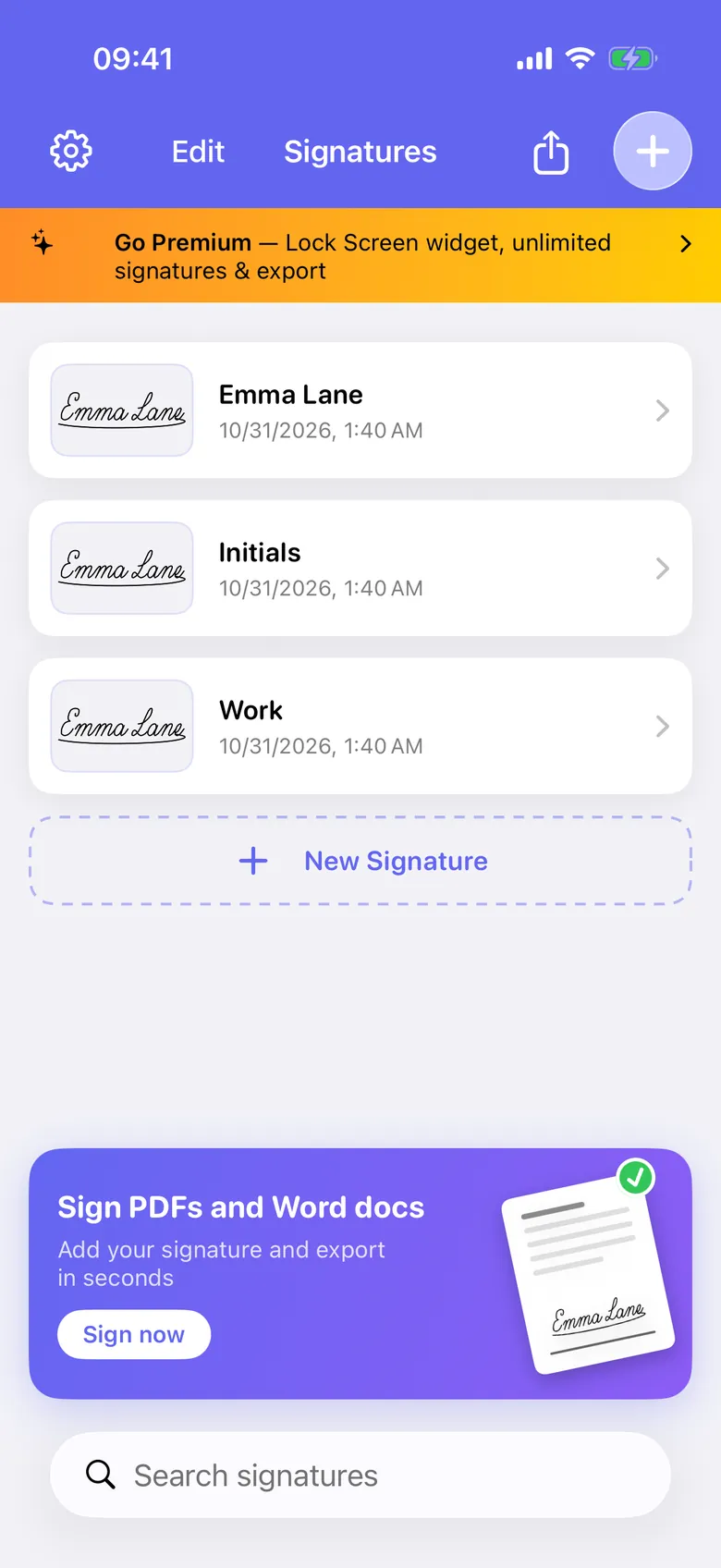
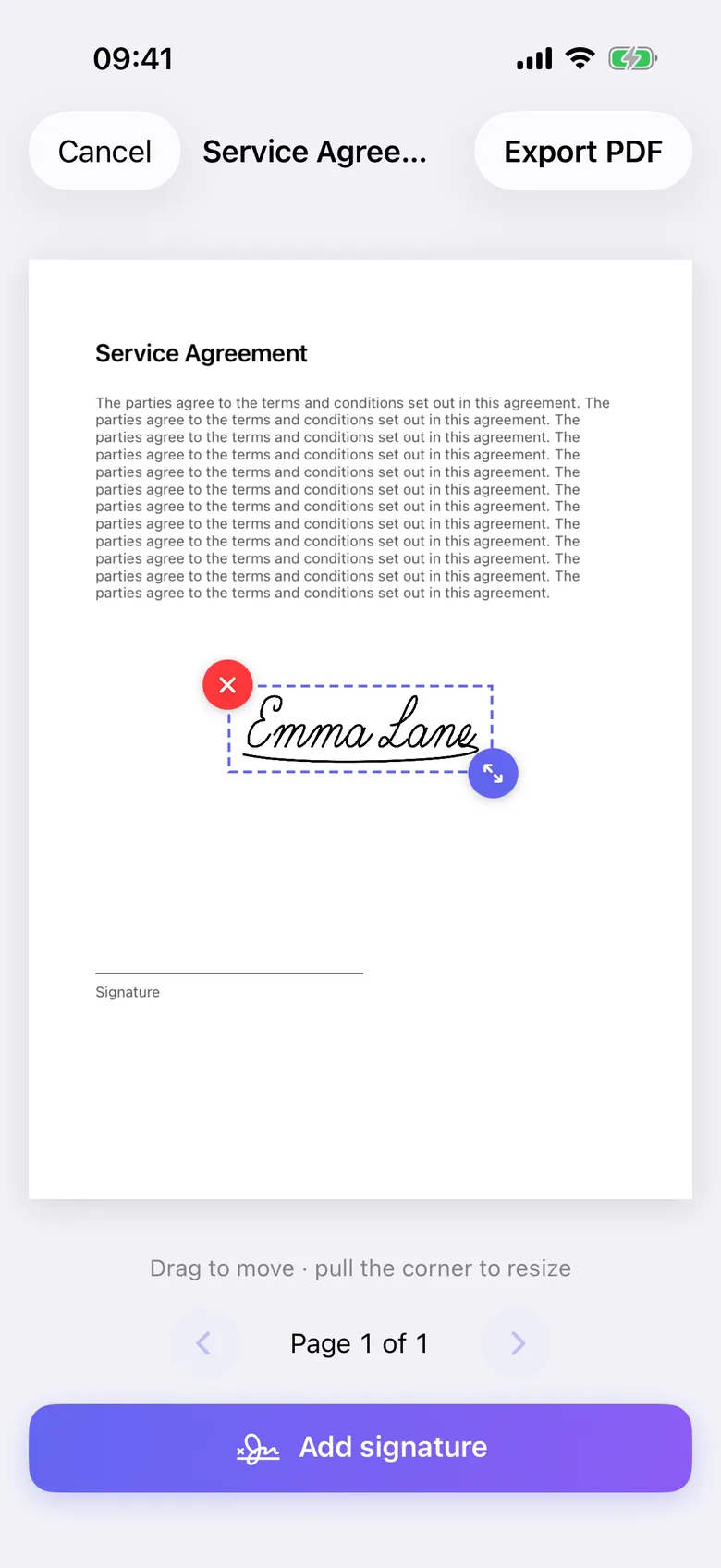
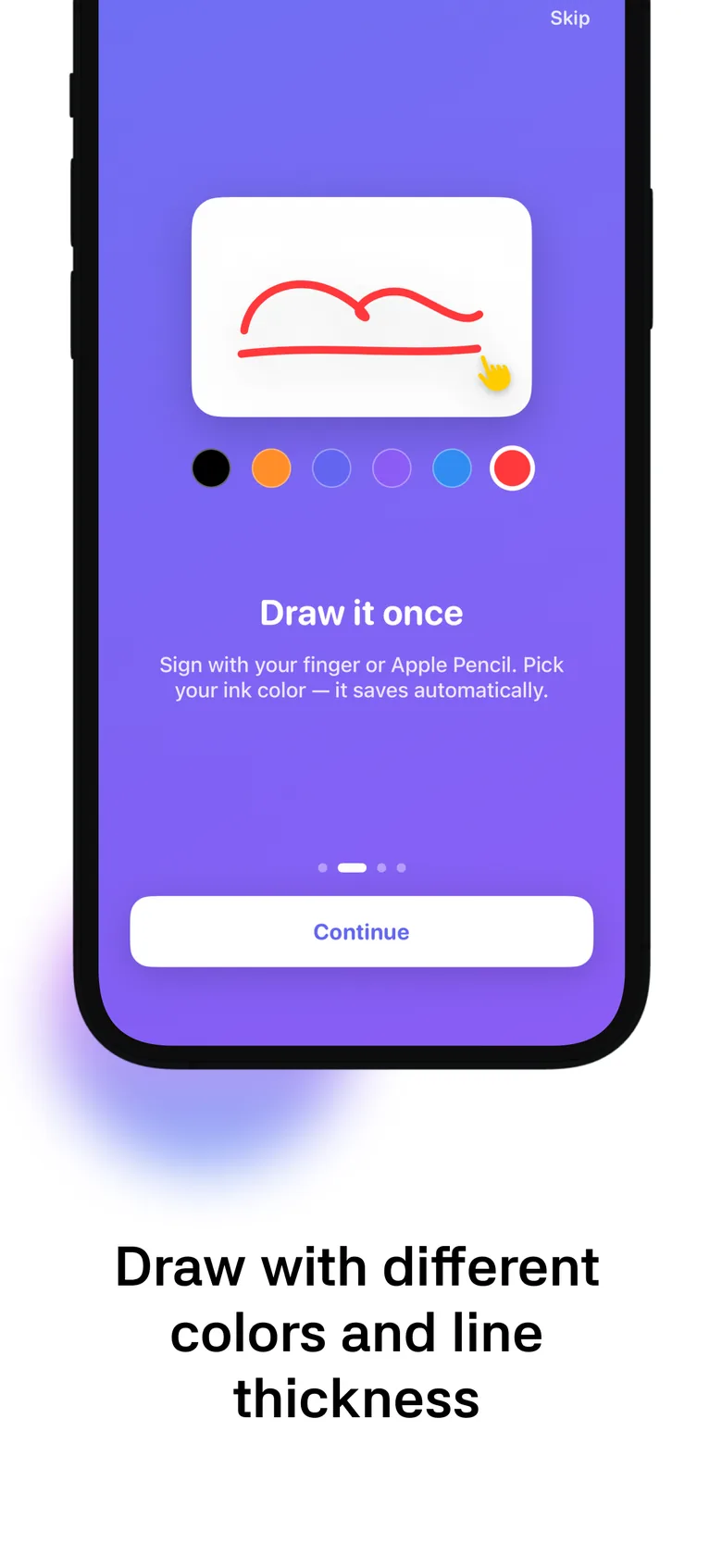
Draw it once on iPhone or iPad. Keep it on your Lock Screen and Home Screen, and use it to sign PDF and Word files.
 Free to download. Requires iOS 17 or later.
Sign here with your finger or mouse
A demo: your drawing stays on this page. Nothing is sent or saved.
One signature, everywhere you need it
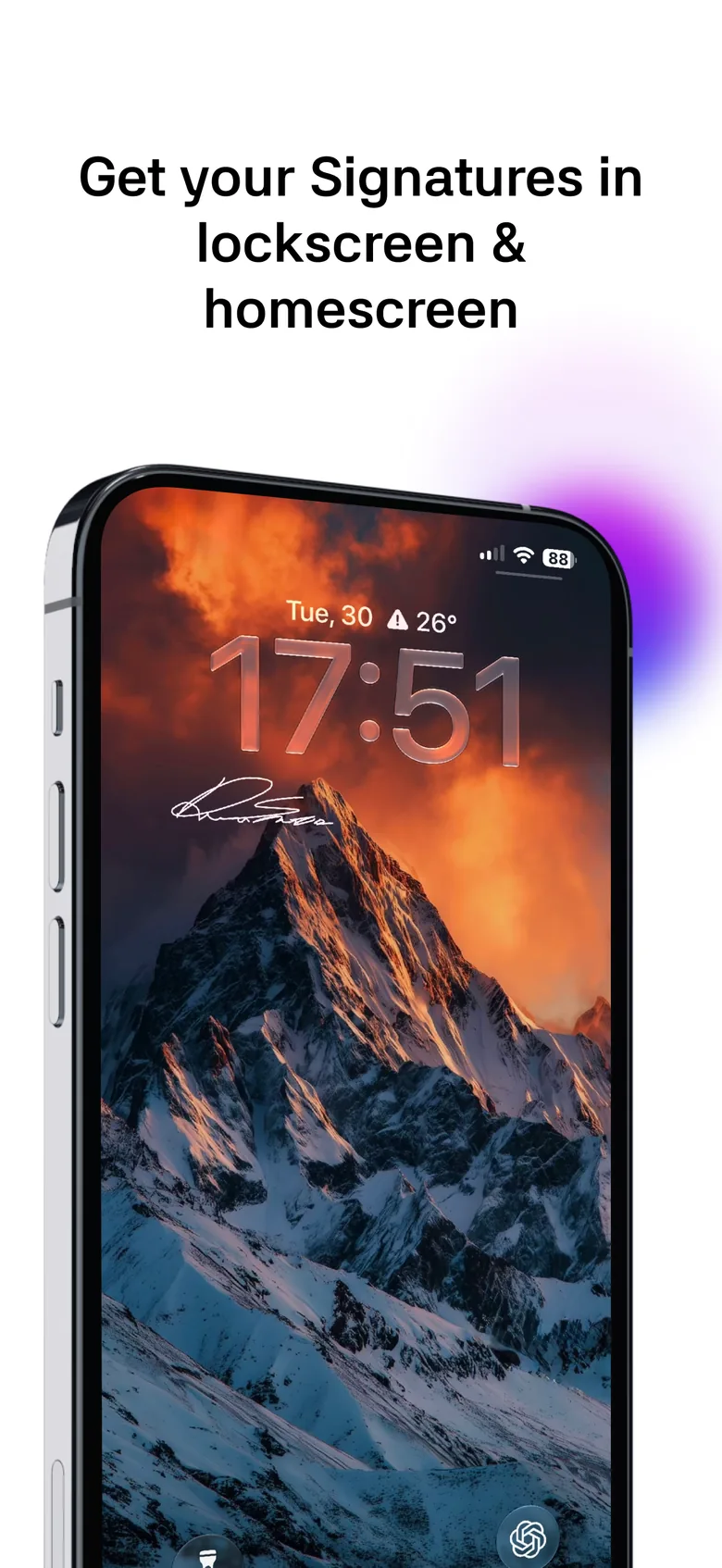
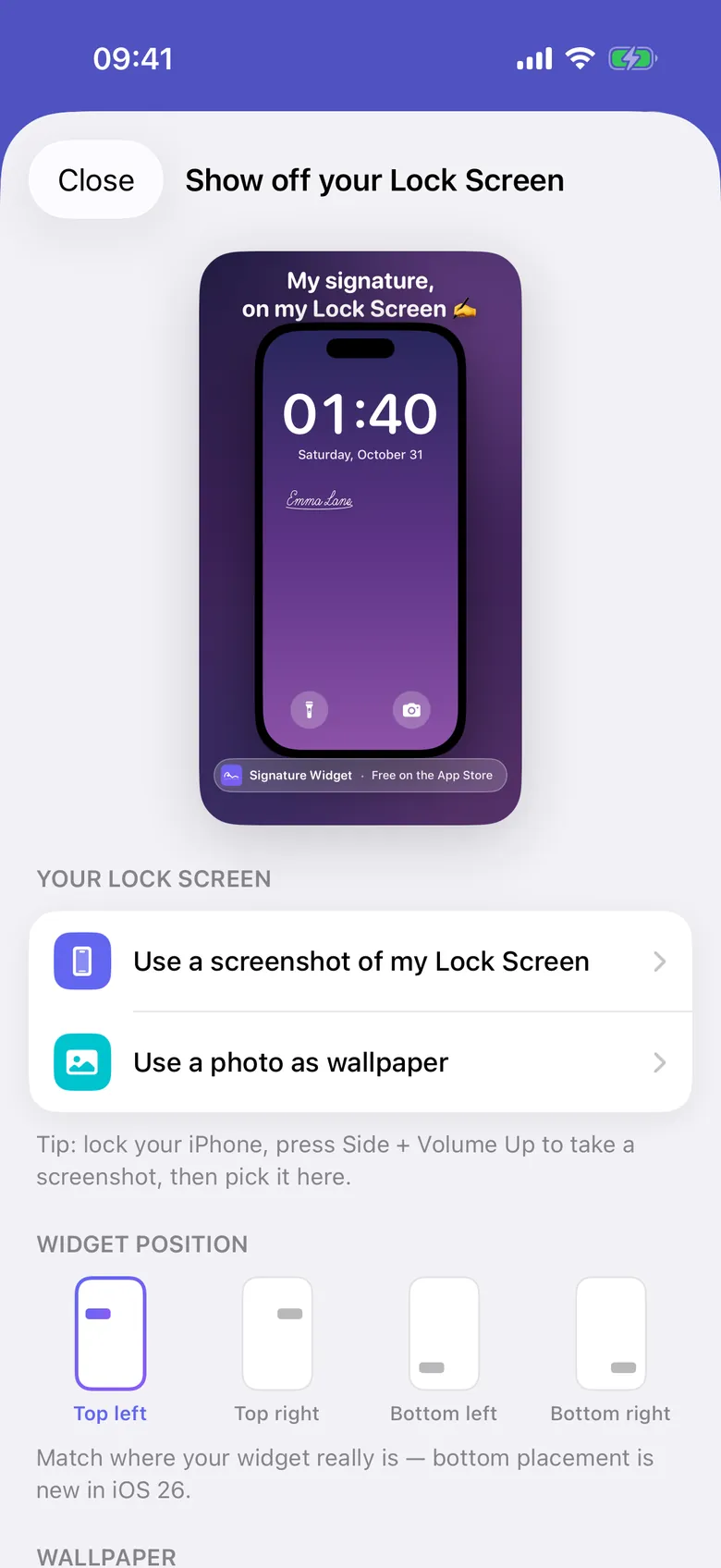
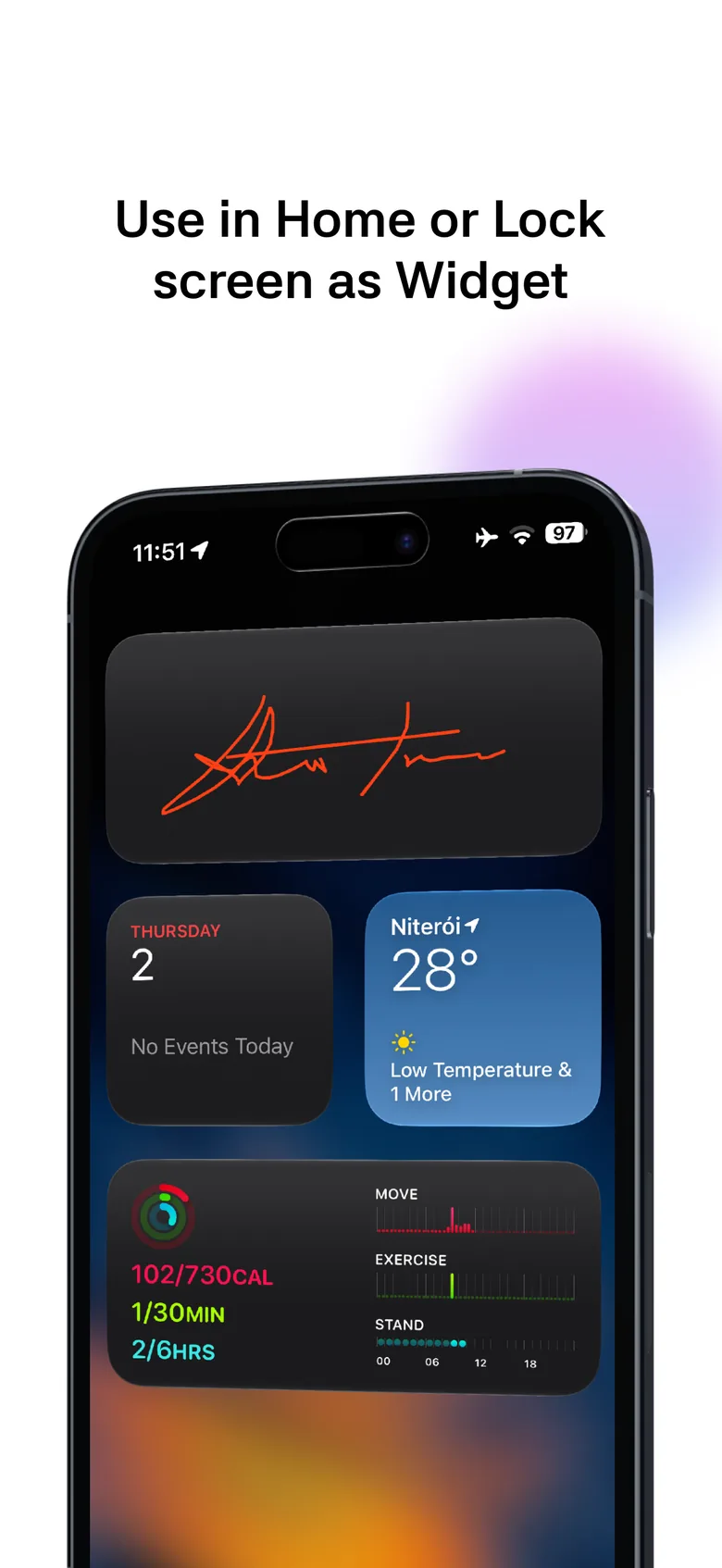
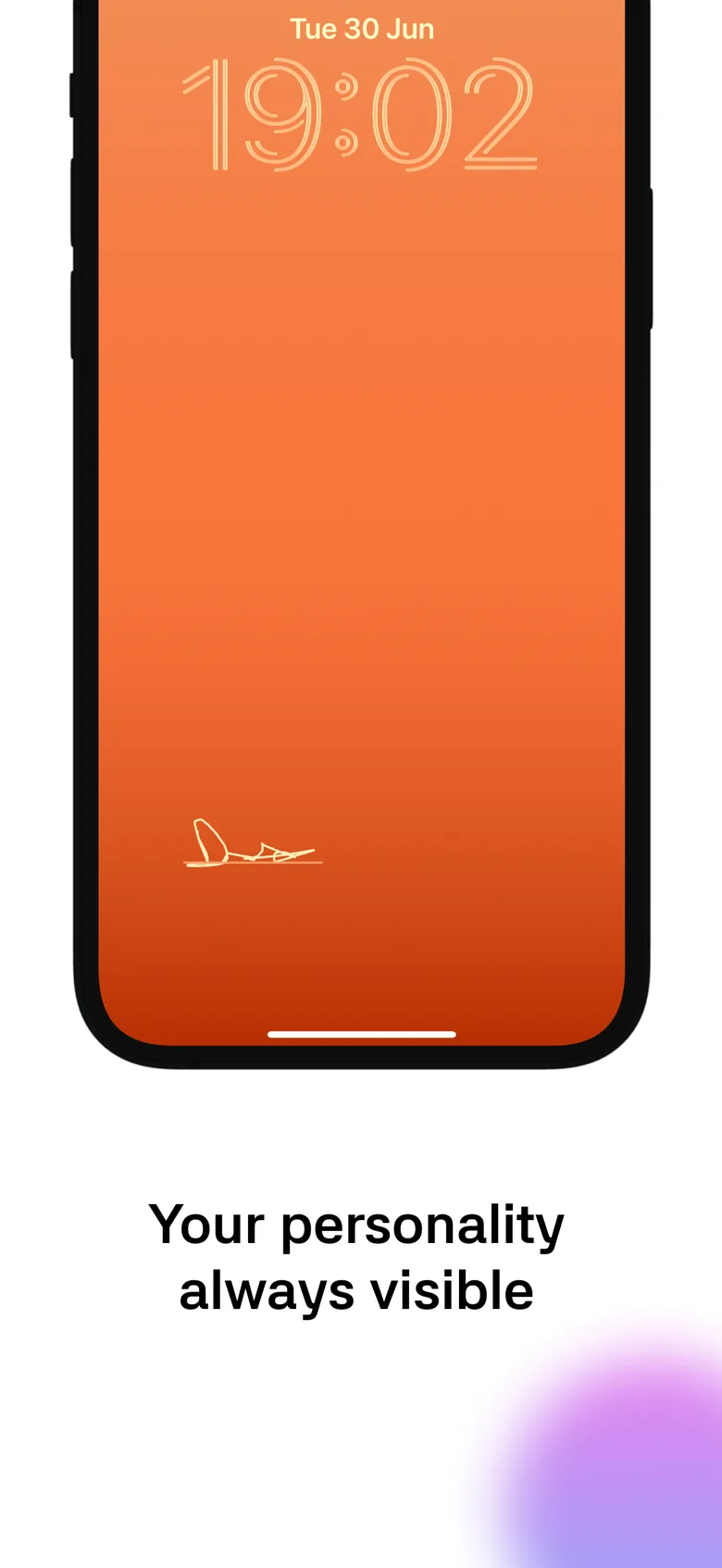
A widget beside your clock, in rectangular, circular or inline size. You can also share a picture of your Lock Screen with your signature. Lock Screen widgets are Premium.
On the App Store
Free to download, for iPhone and iPad. Available in English, Spanish, Portuguese, German, French and Simplified Chinese. See the full listing
Your signature stays yours
- On your device and your iCloudSignatures live on your device and in your private iCloud, so they follow you to a new phone. We can't see them.
- Documents stay localFiles you sign stay on your device. They never go to iCloud or to us.
- No ads, no cross-app trackingThe app uses Firebase Analytics to learn how it is used, and that's it.
- No account neededSign in with Apple is optional. The app works fully without it.
- Read the Privacy Policy
Start free. Pay once or by the year when you want more.
$0 forever
- Your first signature
- Home Screen widgets
- iCloud sync
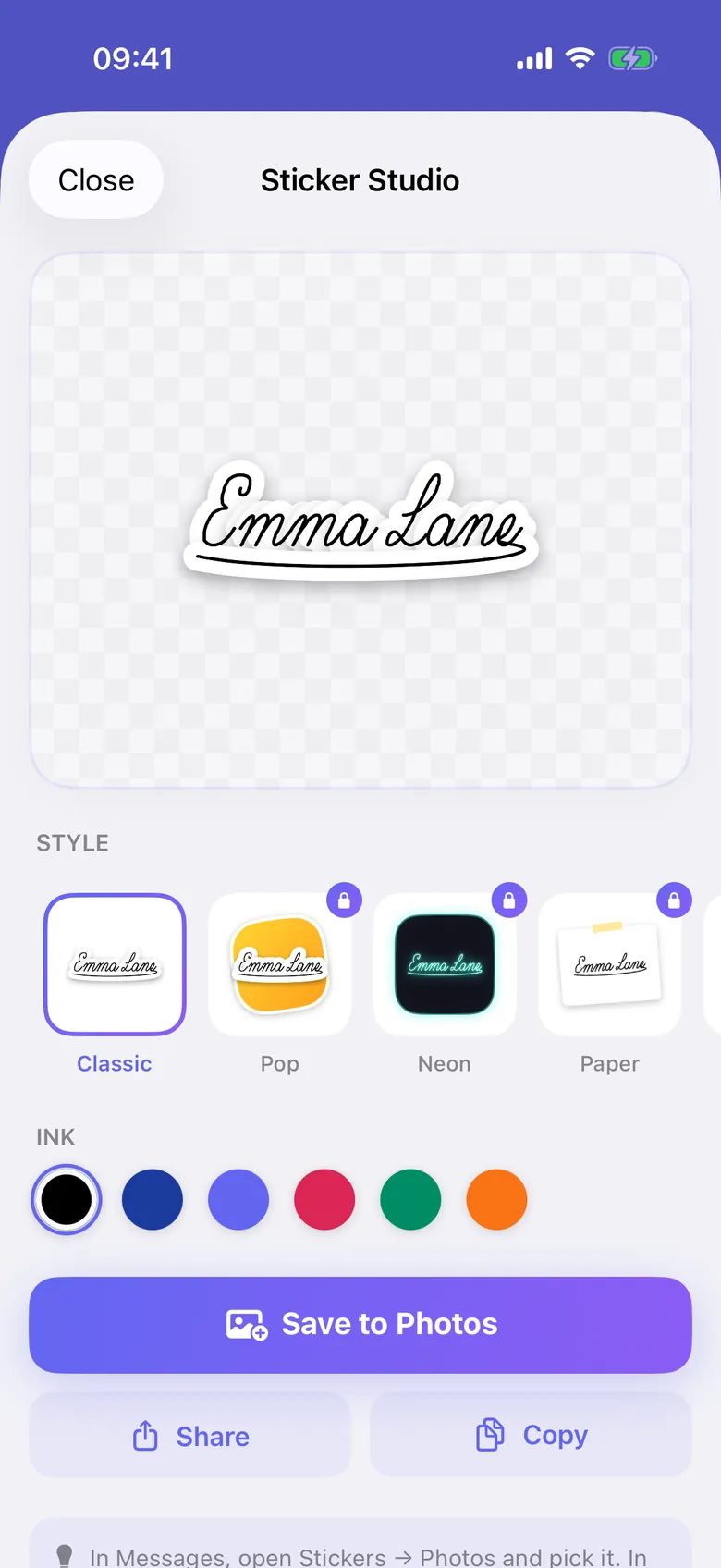
- Classic sticker style
- Lock Screen picture to share
US prices. The App Store shows the price for your country before you pay.
$1.99 a month
- Lock Screen widgets
- Unlimited signatures
- Transparent PNG export
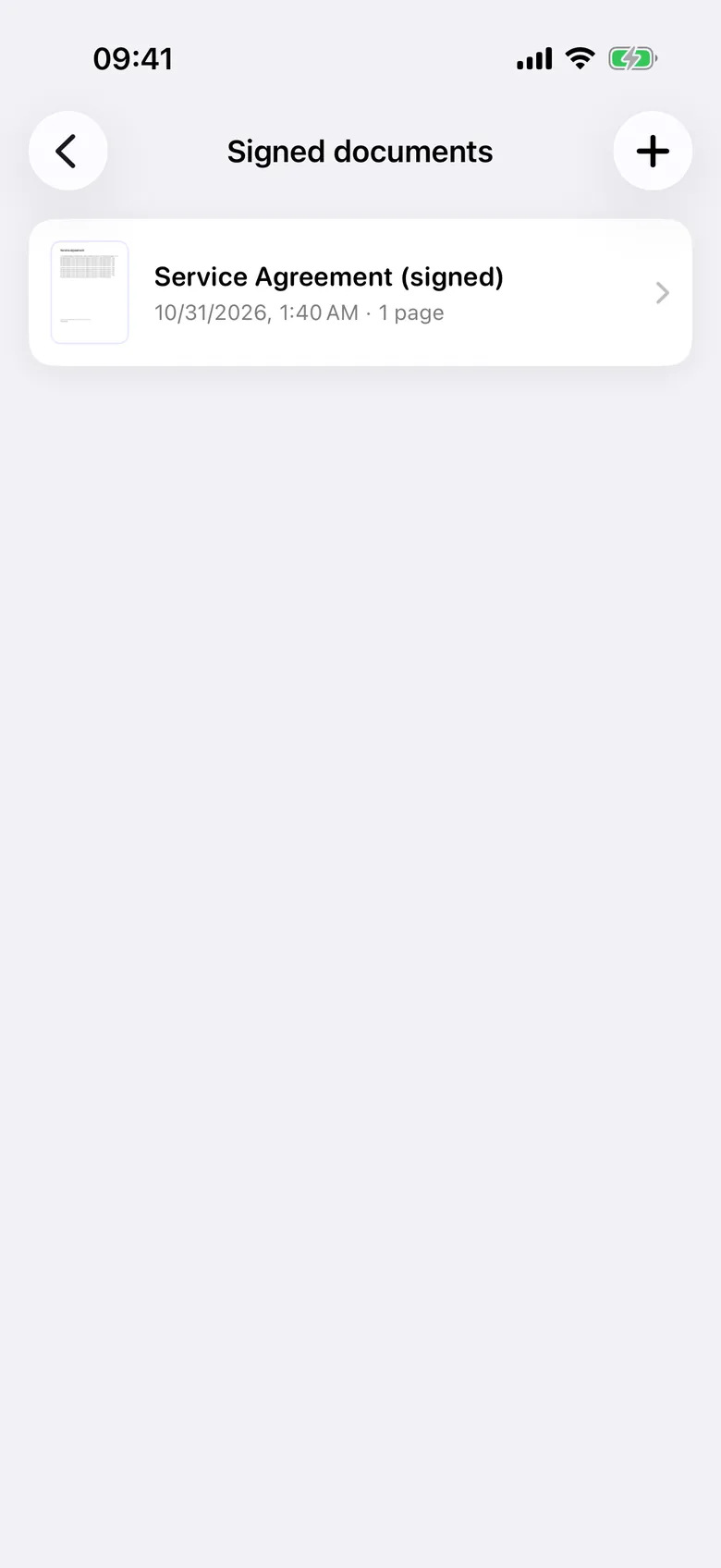
- Signed PDF and Word export
- All sticker styles
US prices. The App Store shows the price for your country before you pay.
$9.99 a year, 7 days free
- Lock Screen widgets
- Unlimited signatures
- Transparent PNG export
- Signed PDF and Word export
- All sticker styles
US prices. The App Store shows the price for your country before you pay.
$24.99 once
- Lock Screen widgets
- Unlimited signatures
- Transparent PNG export
- Signed PDF and Word export
- All sticker styles
US prices. The App Store shows the price for your country before you pay.
Questions
Is it free?
Yes. Your first signature, Home Screen widgets and iCloud sync are free forever. Premium adds Lock Screen widgets, unlimited signatures, PNG export and signed PDF export.
Which widgets are there?
On the Home Screen: small, medium and large. On the Lock Screen: rectangular, circular and inline. Each widget can show a different signature.
Can I sign Word files?
Yes, .docx and .doc. The app converts them to PDF first, and the signed copy is always a PDF. Text stays selectable, while links and form fields are flattened.
Is this a certified electronic signature?
No. The app places an image of your signature on a document, with no digital certificate, identity check or audit trail. Whether it is accepted depends on the law and on who receives it. See section 4 of the Terms of Use.
What happens if I change phones?
Signatures sync through your private iCloud, so they come back when you sign in on a new iPhone or iPad, or reinstall. Signed documents stay on the device where you made them.
Can I use my signature in other apps?
With Premium, export it as a transparent PNG and paste it into PDFs, documents and emails. Stickers can be saved, shared or copied on any plan.
How do I cancel?
Subscriptions are handled by Apple. Cancel at any time in your App Store subscriptions. Lifetime is a single payment.
I have a code. Where do I use it?
In the app, open Settings, then Redeem a code. App Store offer codes work from the same screen.
How do I get help?
In the app, open Settings, then Contact us. Or write to signaturewidget@gmail.com.
Sign once. Done.
Download it free, draw your signature, then add the widget to your Lock Screen or Home Screen.

Signature Widget: Lock Screen
Your signature, always at hand

On a computer? Point your iPhone camera at this code.